AppemUp
Loading page…AppemUp Field Notes
Good apps deserve
a great first impression.
Practical guides on ASO, screenshot design, and the small decisions that make your app easier to discover and understand.
Explore the guides
Better stories. Clearer screens. Thoughtful launches.
The reading room
A little research. A better launch.
Original guides · Official sources · Practical checklists
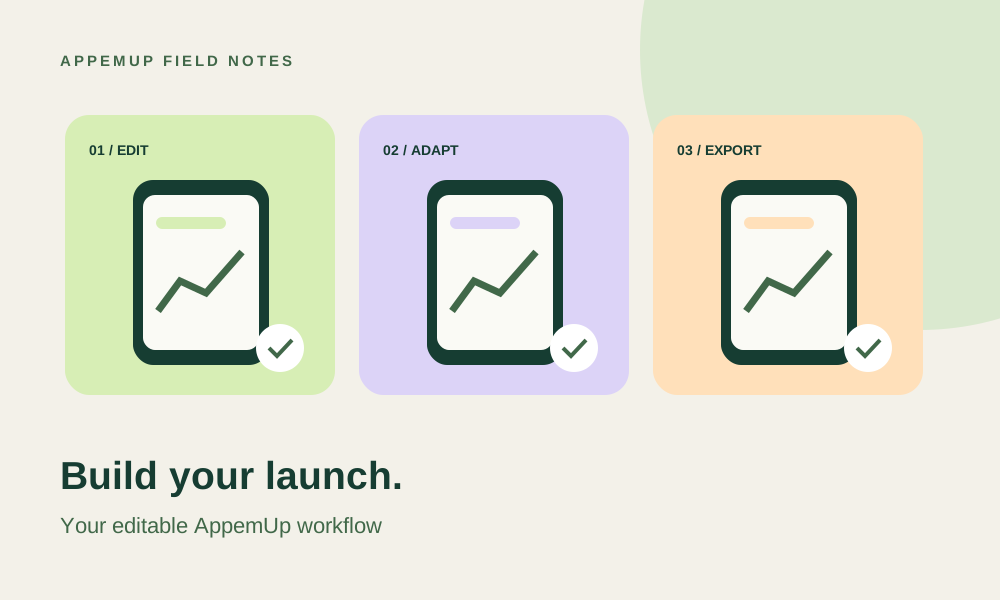
AppemUp workflow 4 min read
App screenshot generator guide for 2026: design with AppemUp
Create App Store and Google Play screenshots with AppemUp. Learn how to customize editable templates, frame your app captures, adapt layouts and review your launch exports.
Read the guide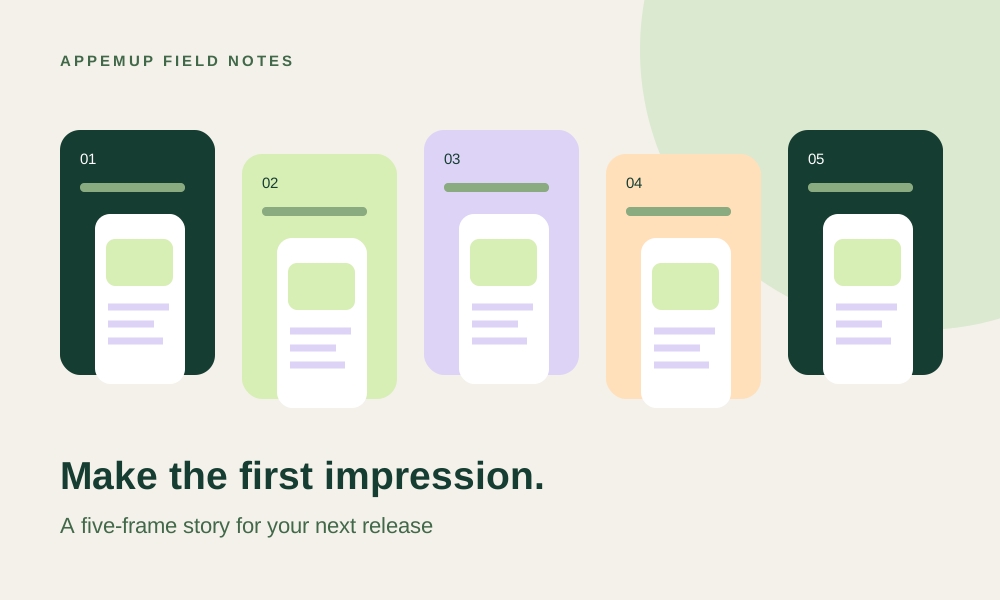
Launch playbook 3 min read
How to create screenshots for an app launch: a five-frame plan
Build an app launch screenshot sequence from a clear promise, real interface evidence, and a repeatable release handoff. Includes sample captions and a review checklist.
Read the guide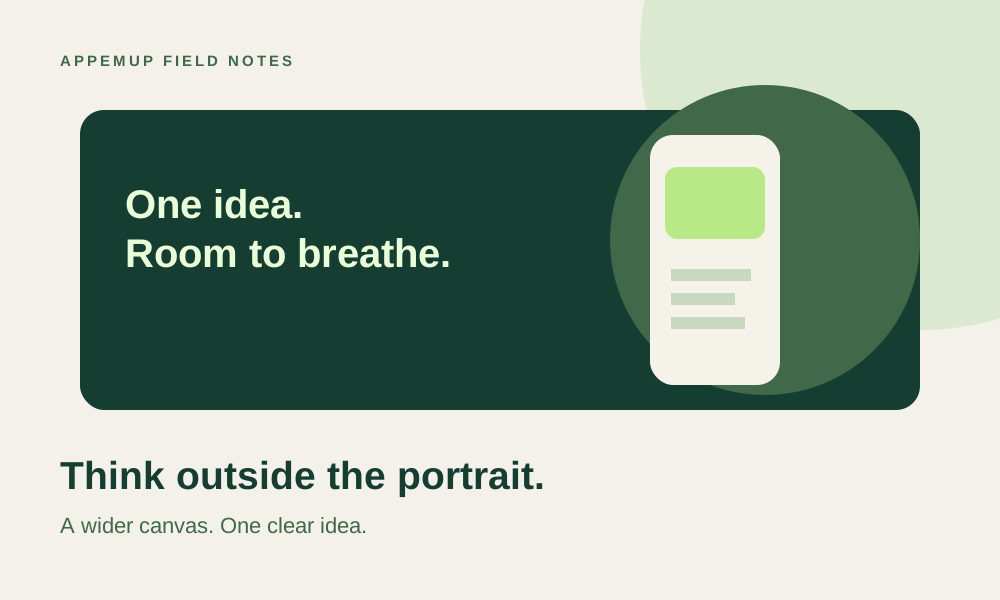
Google Play design 2 min read
Google Play feature graphic: design a banner that works beyond screenshots
Plan a 1024 × 500 Google Play feature graphic with clear hierarchy, safe composition and a practical export checklist for your app launch.
Read the guideScreenshot design 2 min read
Turn app screenshots into a story worth installing
A practical screenshot design workflow: choose your first frame, write benefit-led captions, and build a coherent App Store or Google Play sequence.
Read the guide
ASO fundamentals 3 min read
ASO for indie developers: a practical starting point
Connect search intent, store metadata, and screenshot messaging in a focused app store optimization workflow for your next release.
Read the guide
Export & localization 2 min read
The screenshot export checklist: from canvas to store
Avoid blurry captures, distorted device frames, and localization surprises when preparing App Store and Google Play screenshot exports.
Read the guide
Conversion research 2 min read
How to plan a useful screenshot A/B test
Write a clear hypothesis, compare focused screenshot treatments, and interpret store experiments without mistaking noise for a win.
Read the guidePut your next idea on the canvas.
Start with a template and make the story your own.