The central idea
Discovery brings the right people to your listing. Clear product communication helps them decide whether to install.
Start with the problem people are searching for
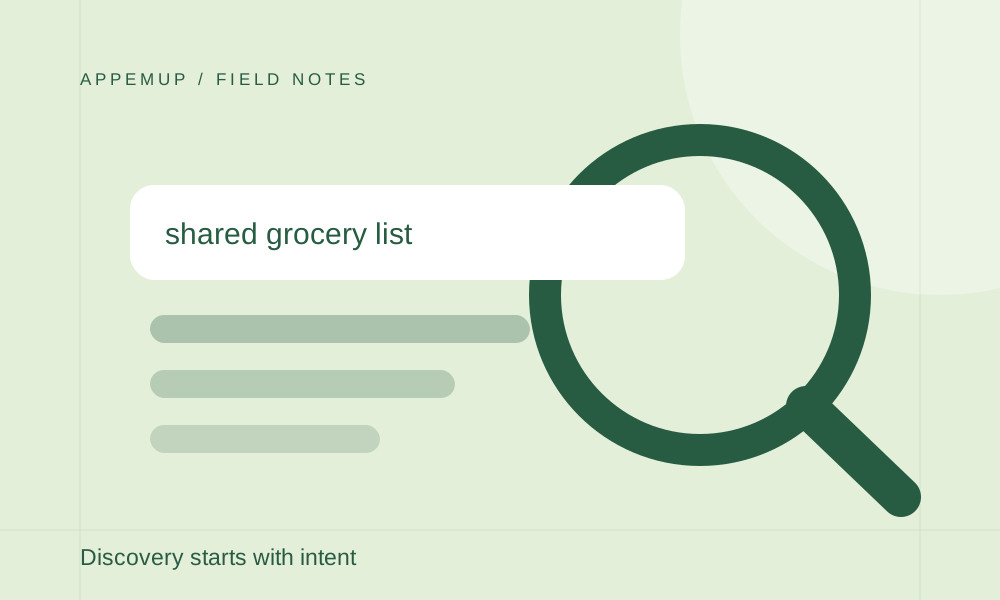
App store optimization (ASO) is the work of improving how people discover and evaluate your app in an app store. Begin with the language of a specific audience. ‘Shared grocery list’ describes a different need from ‘meal tracker,’ even if the two apps have similar screens.
Make a small research sheet with three columns: audience phrase, task behind the phrase, and the feature that genuinely satisfies it. Use support questions, conversations with users, and reviews of your own app. Treat these as qualitative clues, not measured search-volume data.
Make your metadata specific and accurate
Your name and supporting copy should help a new visitor understand the product. Apple provides a subtitle and a dedicated keyword field; use the official product-page guide to check the current limits and restrictions. Do not assume that Apple’s metadata fields or behavior apply unchanged to Google Play.
For each phrase in your research sheet, ask whether the app actually delivers what someone searching for it would expect. Remove misleading or unrelated terms. A smaller set of relevant ideas gives you clearer copy and a more useful test than a paragraph stuffed with keywords.
Carry the same promise into the screenshots
If your listing promises shared grocery planning, the opening image should show that experience. A generic dashboard might look polished but leave the visitor unsure whether sharing exists. Let the next frames answer likely questions: how do I add items, how does the other person see them, and can I organize the list?
Keep a message map for the release: audience need, listing claim, screenshot evidence. This is a practical review tool for your team. It is not a ranking formula, and a screenshot refresh does not guarantee more organic traffic.
Separate traffic from conversion
Record a baseline before changing the listing. Use the store’s own reporting to distinguish discovery from downloads, and keep the metric definition, country, traffic source, and date range consistent. More visits with flat installs may point to a different problem than fewer visits with stable conversion.
Change a focused part of the listing, document what changed, and evaluate the result over a meaningful period. Website analytics can tell you whether someone read your launch article or visited your tool; it cannot substitute for store conversion reporting. Use the right measurement for each step of the journey.
- Define the target audience and search intent
- Match metadata to features available today
- Show the same promise in your first screenshot
- Record the baseline and the change date
- Review store results separately from website visits
Sources & further reading
Platform guidance checked September 7, 2026. Workflows and examples are AppemUp editorial recommendations; illustrative examples are not measured results.
Ready to try it with your app?
Choose a template, add your captures, and build a screenshot story.
Open the free editor